Every gaming platform offers its own unique experience. While Xbox and PlayStation consoles battle in performance and keep similarities in controls, Nintendo’s Wii brought something different. The PC, on the other hand, is only fitted with a mouse and keyboard, but this can be arranged to your liking.
If using a controller with its dedicated console is simply done by plugging it in, the situation changes almost completely when trying to do so on a Windows PC. Needless to say that you can make controllers work with dedicated software and hardware components.
It all started out from a simple gaming night this weekend when we attempted to try our luck with a co-op game, but on a single computer. With a PlayStation 4 controller sitting idly by, we decided to hook it up to the PC. It worked with some struggle, but it seems it’s not all fun and games with all kinds of controllers. Here are a few things you can try:
Connecting different controllers to the PC
| Connecting a PS3 Controller |
|---|
| If you’re connecting the PS3 Controller simply by plugging it in a free USB slot, chances are Windows is only going to detect and attempt to install corresponding drivers. In the event that all goes well, you can view, and even calibrate the controller. |
|
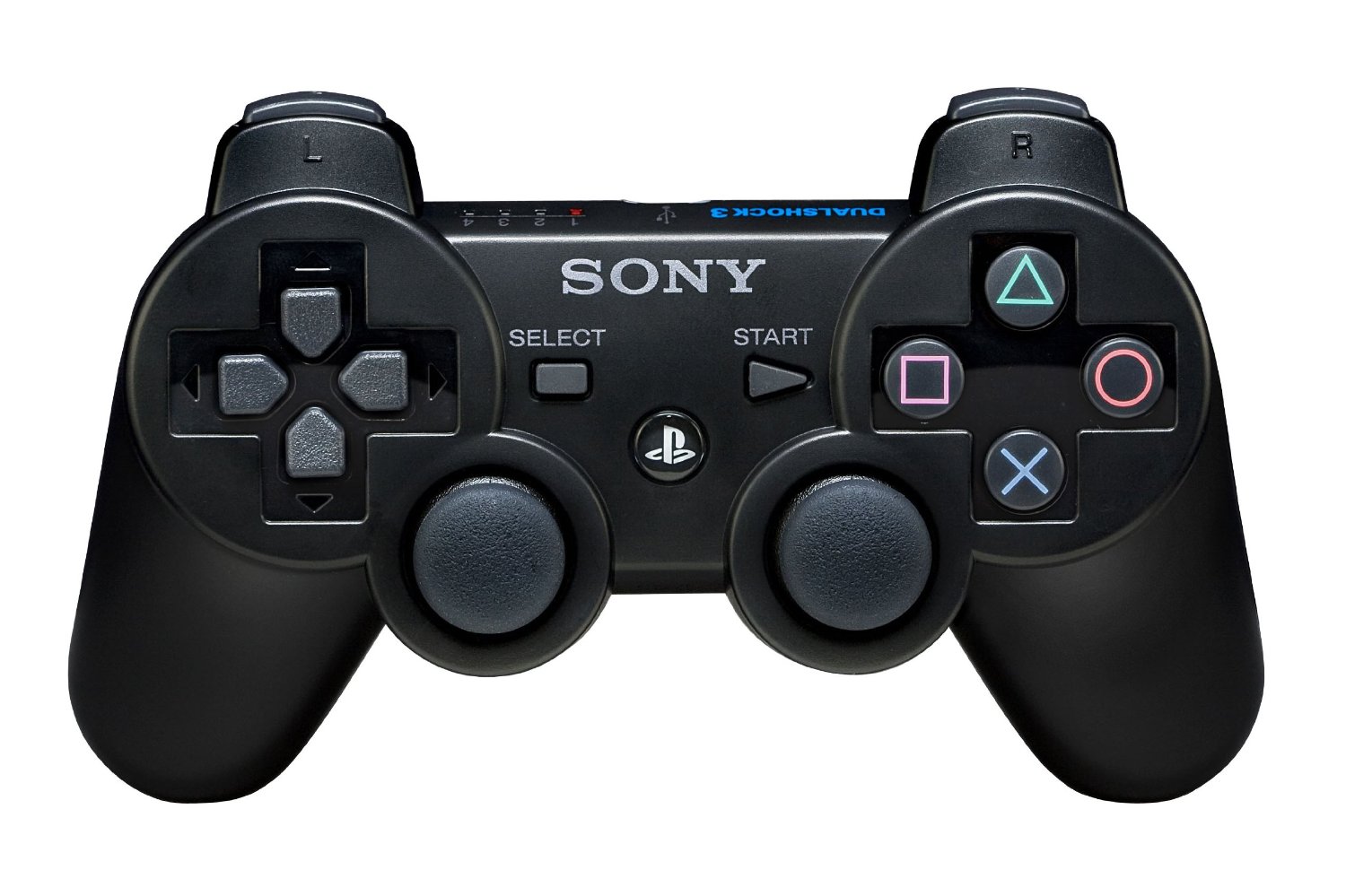
PlayStation 3 Controller
|
-> Press Win + S to start search in order to find how to Set Up USB Game Controllers.
-> Select the PLAYSTATION(R)3 Controller and hit Properties.
-> Move the Analog sticks and press buttons randomly on your controller to see if it’s successfully detected.
-> Switch to the Settings tab and go through the Calibration Wizard to fully configure it.
It’s not a foolproof method, and if you’re using this on a desktop computer with no Wi-Fi or Bluetooth adapters, chances are it’s not going to work. If your PC does have a Bluetooth adapter, this can solve your problem:
Step 1: Connect the PS3 Controller and Bluetooth adapter (if external) to any free USB ports.
Step 2: Let Windows detect and install corresponding drivers.
Step 3: Head over to this website to download the necessary XInput Wrapper.
Step 4: Extract the content of the archive to a custom location, but preferably done in the Program Files folder.
Step 5: Navigate through unpacked folders until you’re in the bin folder.
Step 6: Run ScpDriver with administrator privileges.
Step 7: Restart your PC for changes to take effect.
If all goes well and you haven’t messed around with any controller drivers, your computer lets you take full advantage of the PS3 Controller and use it with any game that supports gamepad controls.
| Connecting a PS4 Controller |
|---|
| Luckily, you don’t have to go to so much trouble for a PlayStation 4 Controller. It’s possible to connect it and let Windows configured drivers, after which you can view and calibrate the controller, just like in first half of the section above. If it’s not working, try this out: |
|
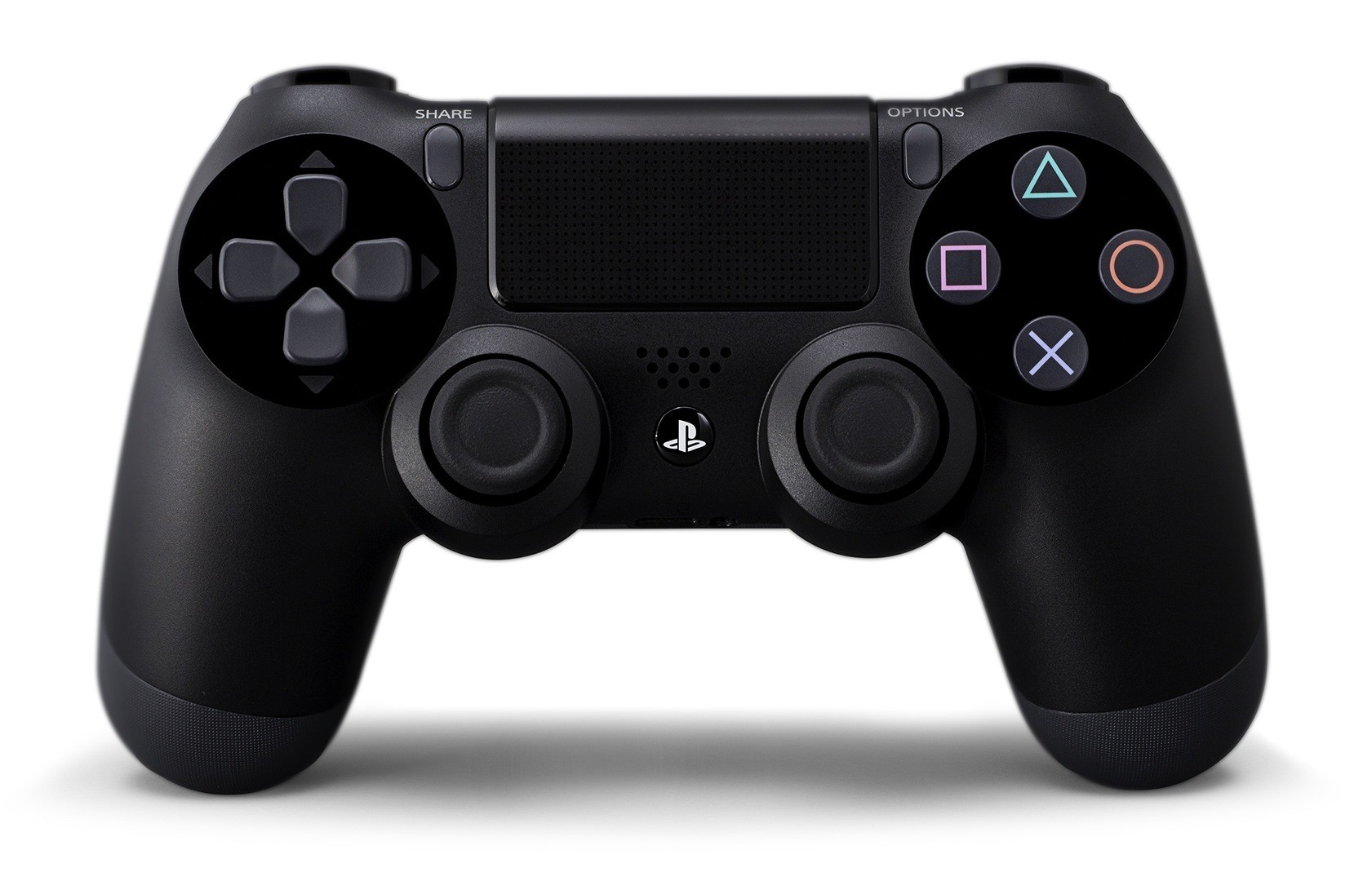
PlayStation 4 Controller
|
Step 1: Head over to DS4Windows to download the PS 4 controller driver.
Step 2: Extract content to a location of your choice.
Step 3: Run the DS4Windows executable with administrator privileges.
Step 4: In the prompt that appears, choose to Install the DS4 Driver.
Step 5: Also Install 360 Driver (the second button), just to be on the safe side.
Step 6-a: Grab the MicroUSB cable and connect your PS 4 Controller to a free USB port on your PC.
Step 6-b: Turn on the Bluetooth adapter on your computer on, and make sure the PC is visible. Hold down the PS and Share button on the controller. If asked to pair, write down 0000 (four zeros) as the code.
Note: If the PS 4 Controller only works through the DS4 tool, you need to launch it first, and then hook up the controller. The advantage of using the DS4 tool is that DualShock is fully supported.
| Connecting an XBOX Controller |
|---|
| Since XBOX is a Microsoft product, it would have been a major drawback not to be able to use it on a Windows PC with little hassle. The only thing you need to do here is plug it in and let Windows configure drivers. If it doesn’t, grab and install them from here. |
|
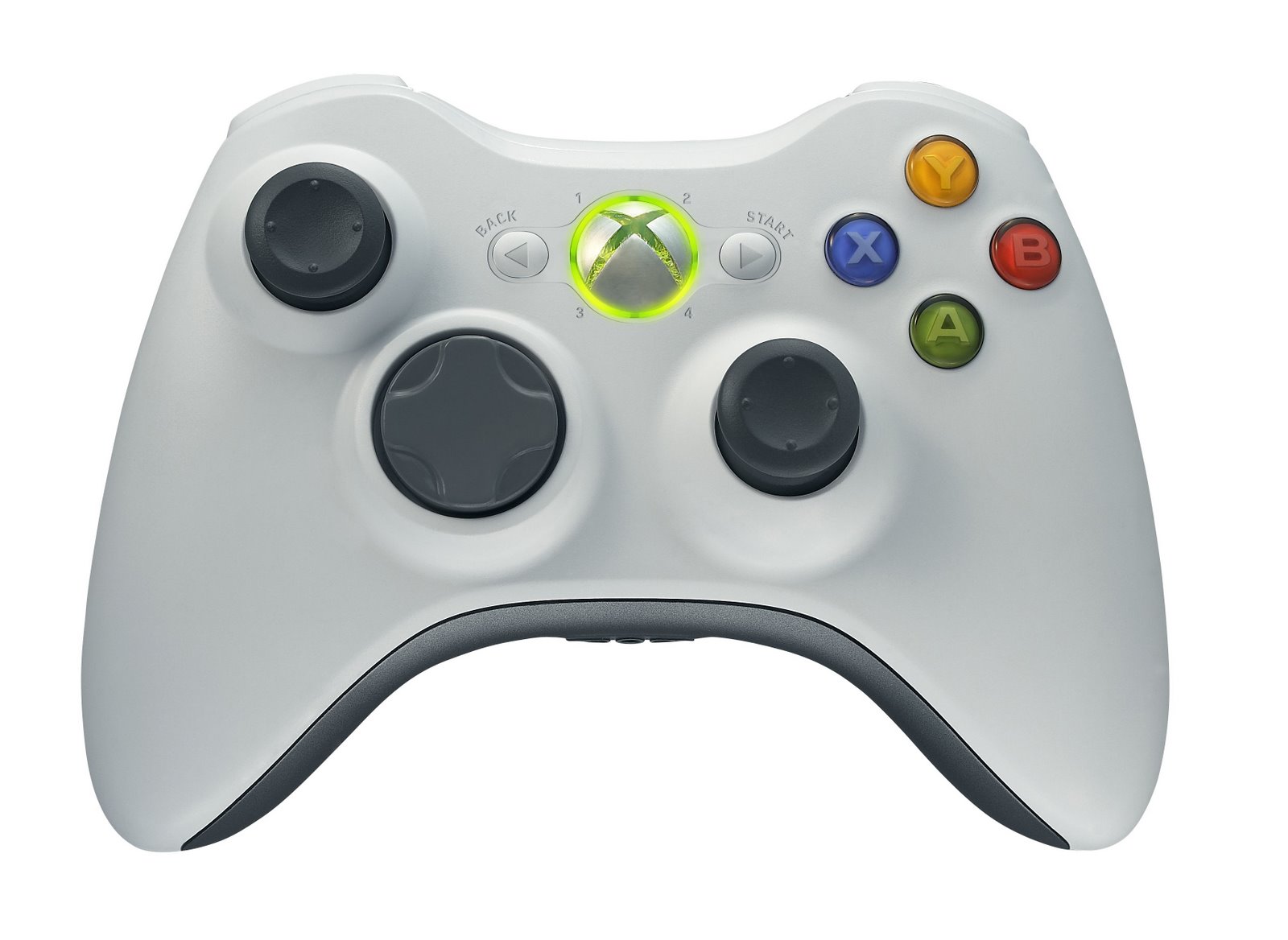
Xbox 360 Controller
|
| Connecting with a specialized application |
|---|
| With controllers specially made for the PC, there’s little to no need to go through any of the steps above. Most of them come with drivers on a CD for integration of all features. If not, there’s a chance this application can solve some issues. What’s more, it can also be used for the controllers mentioned above. |
Step 1: Download and install Pinnacle Game Profiler.
Step 2: Plug the controller in an available USB port.
Step 3: Run the application. It automatically detects connected controllers and takes you through a configuration process.
Step 4: Press all the Next buttons for the default configuration, and install drivers you need.
Step 5: Once you reach the main window, select your controller from the Device drop-down menu.
Step 6: Hit PLAY and enjoy using the controller. It can also be used to simulate mouse movement through Analog sticks.
| Connecting a second keyboard as a controller |
|---|
| Sure enough you got stuck in a situation where local co-op was only possible with a controller for the second player, but there’s no one to be found. Don’t worry, there’s a solution to this problem too, by tricking your computer to think a connected keyboard is actually a gamepad. Here’s what you need: |
Step 1: Download, install, and run VJoy Virtual Joystick.
Step 2: Look in the system tray for a joystick icon and double-click it to bring up the configurator.
Step 3: Use the drop-down menus to configure keys for the controller buttons you want to use.
Step 4: Choose to Save Ini so that changes are remembered and used, press OK and launch your game to play in co-op on a single PC, but without hooking up a controller.
In conclusion
It’s going to take a lot of time, an awfully lot of patience, and just a bit of luck to hook up a controller to your PC. Somehow this is normal, considering they’re specially made to be played on specific consoles. However, now you have a general guideline for those nights spent defeating your friends, or working together to beat the game.