Today, June 17, 2016, KDE has had the great pleasure of announcing that the Beta of the forthcoming KDE Plasma 5.7 desktop environment is now available for public beta testing.
Initially planned for June 16, KDE Plasma 5.7 Beta is here, and we can finally see what the KDE developers have prepared for fans of the modern, Qt5-based desktop environment for GNU/Linux operating systems. And just by taking a quick look at the release notes, we can notice that a lot of goodies are coming.
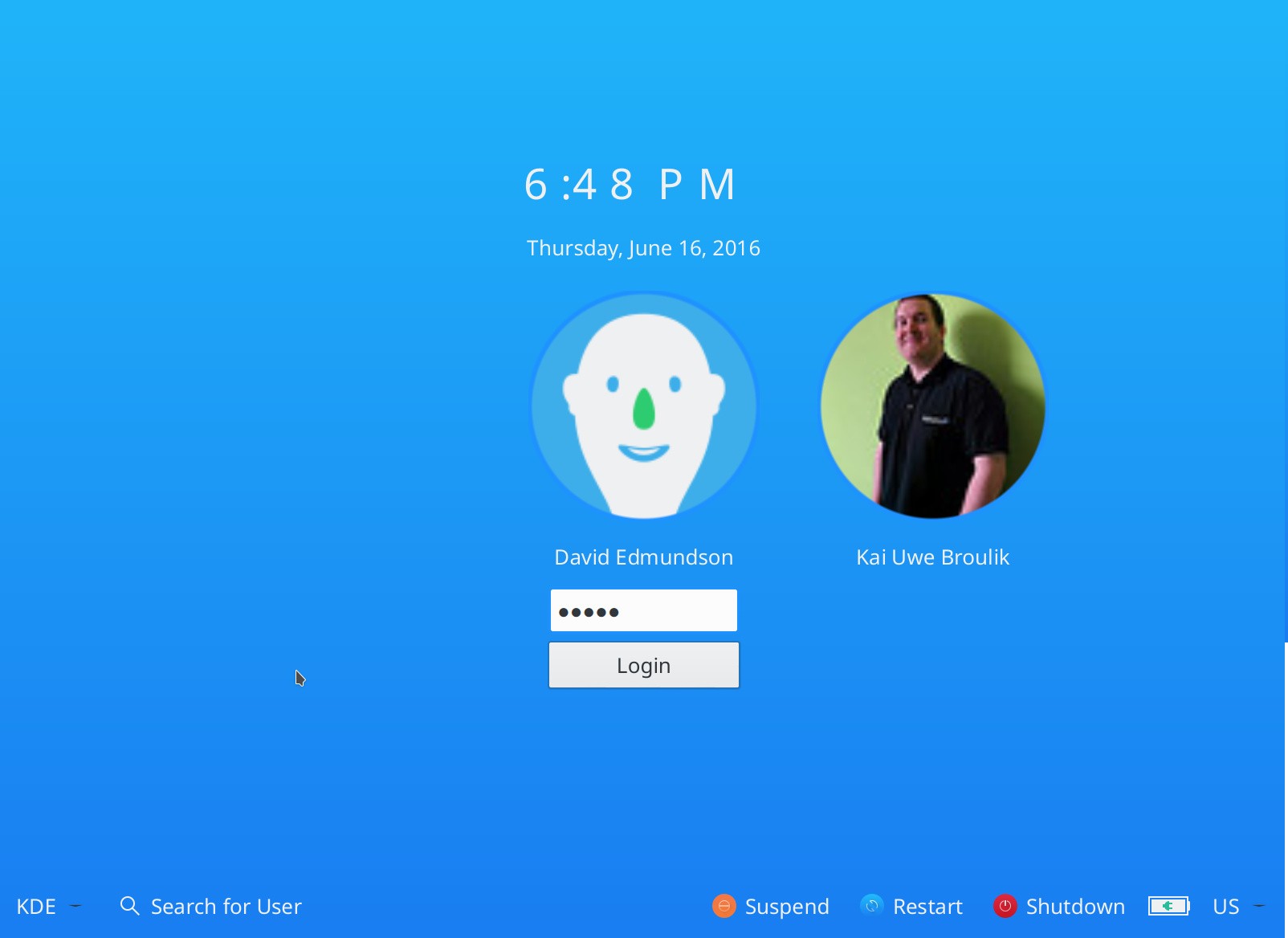
The first thing users will notice after upgrading to the KDE Plasma 5.7 desktop from a previous version, such as the recently released KDE Plasma 5.6.5, is the all-new, unified login screen (see the screenshot at the end of the article), offering users a more mature Breeze-based startup experience.
The Oxygen and Air Plasma themes received various enhancements as well, the Breeze icons now tint to match the highlight color scheme, the Jump List Actions feature introduced in KDE Plasma 5.6 has been extended to be accessible from KRunner, and the agenda view makes a comeback in the built-in calendar.
Volume Control improvements, better Kiosk support, new system tray
KDE Plasma 5.7 promises to improve the Volume Control applet, allowing users to not only control the volume of each application that has access to the sound card, but also to move them to a different sound device, as well as to go that extra mile and raise the volume over 100%, which we think is a very useful feature to have on any OS.
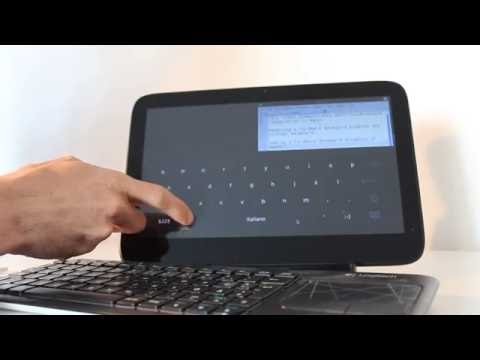
But wait, that’s not all, because there will be a new system tray, rewritten from scratch, a new task manager offering much better performance, better support for Kiosk machines, and, last but not least, huge improvements to the next-generation Wayland display manager, such as better tear-free and flicker-free rendering, stronger security, and a new virtual keyboard (see the video below to see it in action).
“The already implemented workflows got stabilized and are ensured to work correctly, with basic workflows now fully functional. More complex workflows are not yet fully implemented and might not provide the same experience as on X11. To aid debugging a new debug console got added, which can be launched through KRunner using the keyword “KWin” and integrates functionality known from the xprop, xwininfo, xev and xinput tools,” reads today’s announcement.
KDE Plasma 5.7 lands July 5, to have five point releases
While it might be possible for you get an early taste of the awesome new features listed above by installing the KDE Plasma 5.7 Beta release from the repositories of various GNU/Linux operating systems, we recommend waiting for the final, production-ready version, which is coming in only two weeks, on July 5, 2016.
However, the KDE devs urge the community to take part in the upcoming KDE Plasma 5.7 Beta testing day, which has been scheduled for June 20. KDE Plasma 5.7 will have, as usual, five maintenance updates, Plasma 5.6.1 on July 12, Plasma 5.6.2 on July 19, Plasma 5.6.3 on August 3, Plasma 5.6.4 on August 23, and Plasma 5.6.5 on September 27, 2016.
Via Softpedia