The wait is finally over—Raspberry Pi has updated the Desktop version of its Debian-based OS for PCs and Macs, bringing it in line with the latest Debian 13 “Trixie” release and packing in all the goodies from the newest Raspberry Pi OS.
You can now grab a fresh Raspberry Pi Desktop ISO and install it on any x86_64 (non-ARM) laptop or desktop, or on a 64-bit Mac. It’s built on Debian 13 “Trixie” and runs the long-term supported Linux 6.12 LTS kernel.
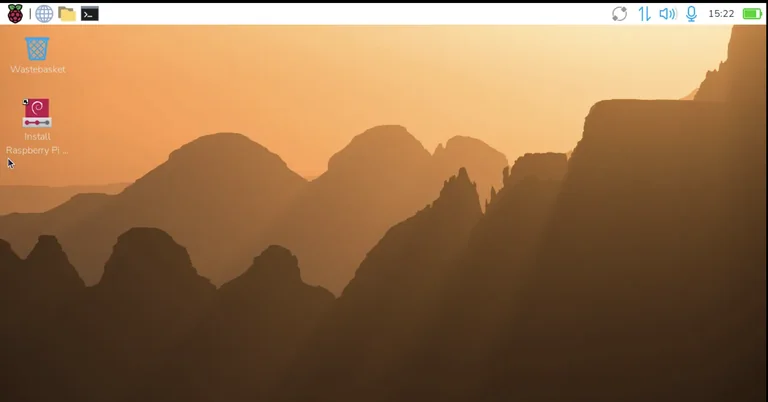
Beyond the usual updates, you’ll notice the redesigned Control Centre, the new dock, and a bunch of refreshed components. It also ships with the Raspberry Pi Connect client, so you can remotely control your PC or Mac from other devices that have Raspberry Pi Connect running—like an actual Raspberry Pi.
Installation is straightforward thanks to the Calamares graphical installer. Just double-click the “Install Raspberry Pi OS” shortcut on the desktop or find it under System Tools in the application menu.
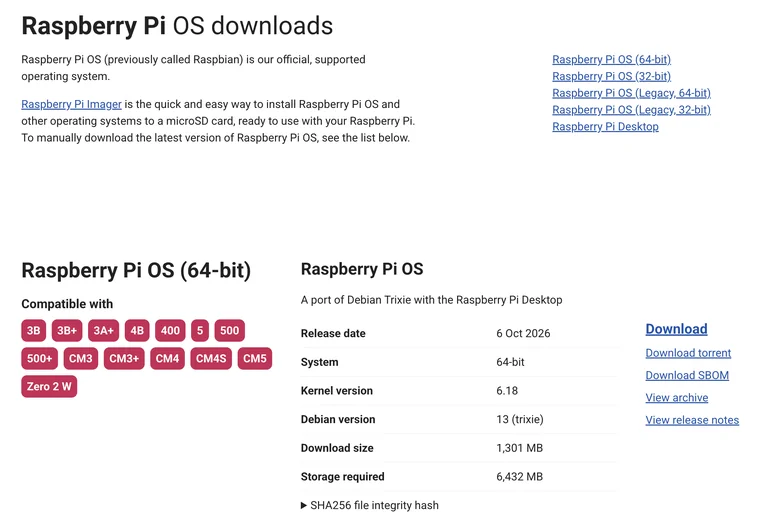
Head over to the official website to download the ISO, then write it to a USB stick and boot from it. The image even supports persistence, so you can run it straight from the USB drive and keep your settings and files between sessions.
One small caveat: because Apple Silicon support in Debian is still experimental, this only works on Intel-based Macs. The 32-bit version has also been retired—Debian dropped support for that architecture, so Raspberry Pi followed suit.