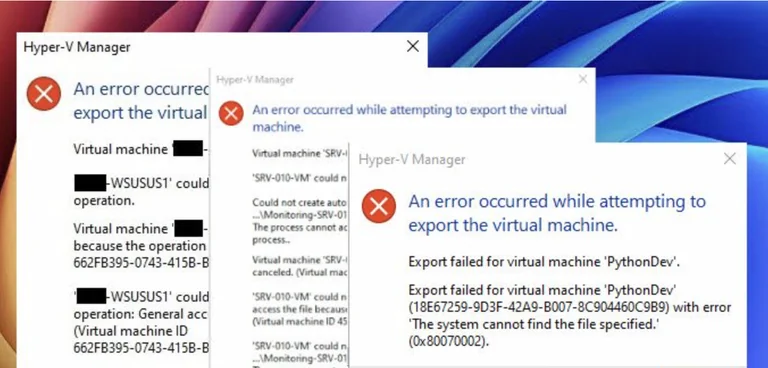
I have been running virtual machines for years. Most tutorials will tell you to just right click your VM in Hyper V manager and hit Export. It is the default and most popular choice out there. I have relied on it countless times when I just needed to move a quick test environment to another drive. It is built right into Windows and does not cost a dime.
But here is the thing. Relying solely on that basic export button is a trap for beginners. The moment your setup gets slightly complex, you will inevitably see a message saying an error occurred while attempting to export the virtual machine. Usually it spits out code 0x80070002 or a frustrating access denied warning. Personally I have found that taking a step back and setting up a slightly more robust way to manage and back up your virtual hard disks is a much better path. It might require grabbing an affordable third party backup tool or just investing the time to learn the actual file structure, but it keeps you from feeling totally stuck later on.
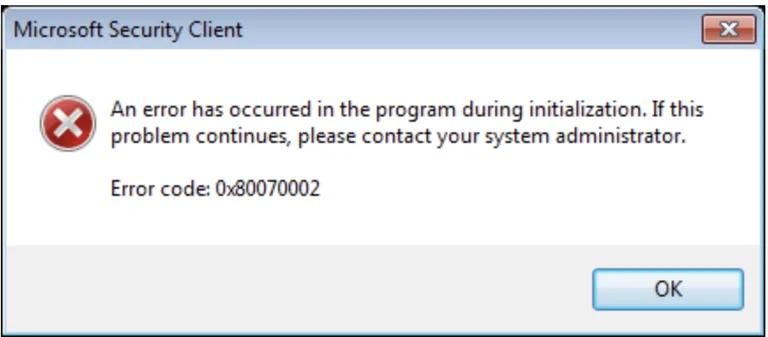
The biggest practical advantage of moving past the basic export button is actually understanding where your VHDX files live and how your system links them. When Hyper V tells you the system cannot find the file specified, it usually means a checkpoint broke or a virtual hard disk lost the link to its parent file. By taking control of your backups directly, your projects become much more resilient. Think about the stuff you can run as you grow. You might start with a simple Ubuntu environment just to learn basic coding. Then you move up to running a local Pi Hole for network ad blocking. Later on you could be hosting a private game server for your friends, spinning up a local web server to test out new software, or even keeping an isolated legacy operating system alive for retro apps. If your checkpoints get messy or your drive develops bad sectors, the standard export fails and takes all those cool projects down with it. Managing your backups with proper tools ensures these projects survive your learning curve.
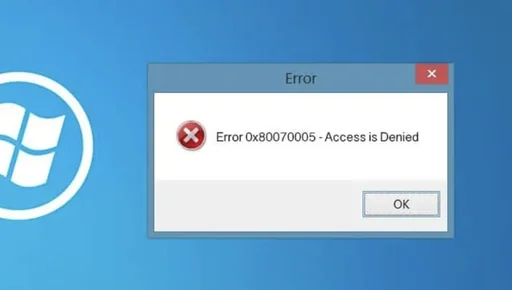
As you push into more demanding territory, you will eventually run into the dreaded access denied error, which is code 0x80070005. This is where the built in tools really show their limitations compared to a dedicated backup strategy. Windows uses a very specific and hidden security principal for every single virtual machine. Just giving your main administrator account full control over the folder will not magically fix the export error. I have spent hours fighting Windows folder permissions in the early days. A dedicated backup tool or a solid imaging software handles these hidden file level permissions automatically. While the standard Hyper V export is technically free, you pay for it with intense frustration when it breaks. A good entry level backup software might cost around forty to fifty bucks, but the amount of time you save when moving heavy database servers or complex lab environments is absolutely worth the price of admission.
Now I want to be completely honest here. If you are just spinning up a temporary virtual machine to test a single piece of software for five minutes and you plan to delete it right after, the standard Hyper V export is perfectly fine. For totally disposable environments where you do not care if the process fails, you really do not need to overthink it or buy extra software.

At the end of the day, dealing with broken virtual machine exports is just a rite of passage in this hobby. If you are planning to keep your projects around for a while, do yourself a favor and skip the frustration. Learn how the virtual machine security files actually work or grab a basic entry level backup program for about fifty bucks. It is a much better way to start so you never feel limited by a broken export button.