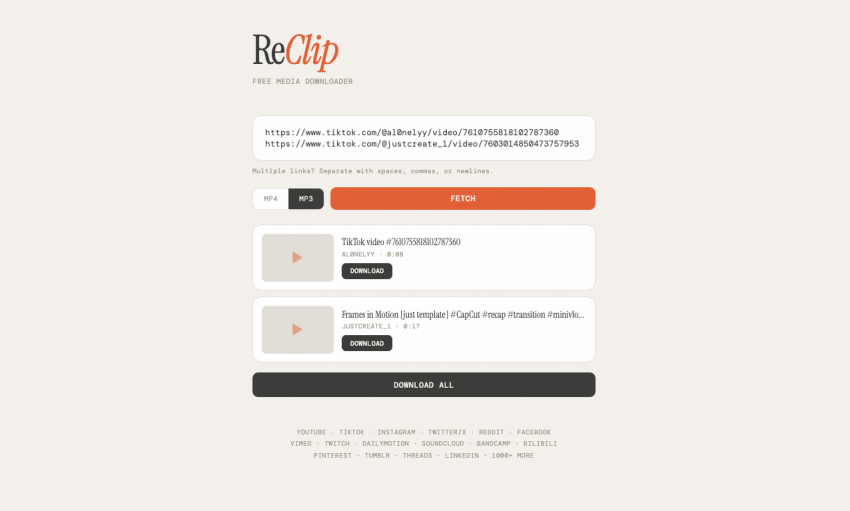
Ever get sick of sketchy converter websites throwing popups at you just to grab
one reel or song? ReClip is a clean, self-hosted tool that pulls MP4s or MP3s
straight off the web with zero ads attached. By the end of this, you will have
your own personal downloader running locally on your own machine.
What makes this thing actually decent
Most downloaders are clunky, but this project keeps things dead simple. Here is
what you get out of the box:
- Rips media from 1000+ supported sites via yt-dlp (including YouTube, TikTok,
Instagram, Twitter/X, Reddit, Facebook, Vimeo, Twitch, Dailymotion,
SoundCloud, Loom, Streamable, Pinterest, Tumblr, Threads, LinkedIn, and
plenty more). - MP4 video or MP3 audio extraction.
- Quality and resolution picker.
- Bulk downloading by dropping multiple links in together.
- Automatic URL deduplication so you don’t download the same link twice.
- Clean, responsive web UI with no frameworks and no build step.
- Backend powered by a single Python file of around 150 lines.
Getting it running on your box
You can spin this up natively in your terminal in just a few seconds.
1. Run brew install yt-dlp ffmpeg (or run apt install ffmpeg && pip install
yt-dlp on Debian/Ubuntu).
2. Run git clone https://github.com/averygan/reclip.git
3. Run cd reclip
4. Run ./reclip.sh
5. Open http://localhost:8899 in your web browser.
Prefer containers? You can run it via Docker instead using this one-liner:
docker build -t reclip . && docker run -p 8899:8899 reclip
How to grab your first clip
Once the interface is up on your screen, saving files takes seconds.
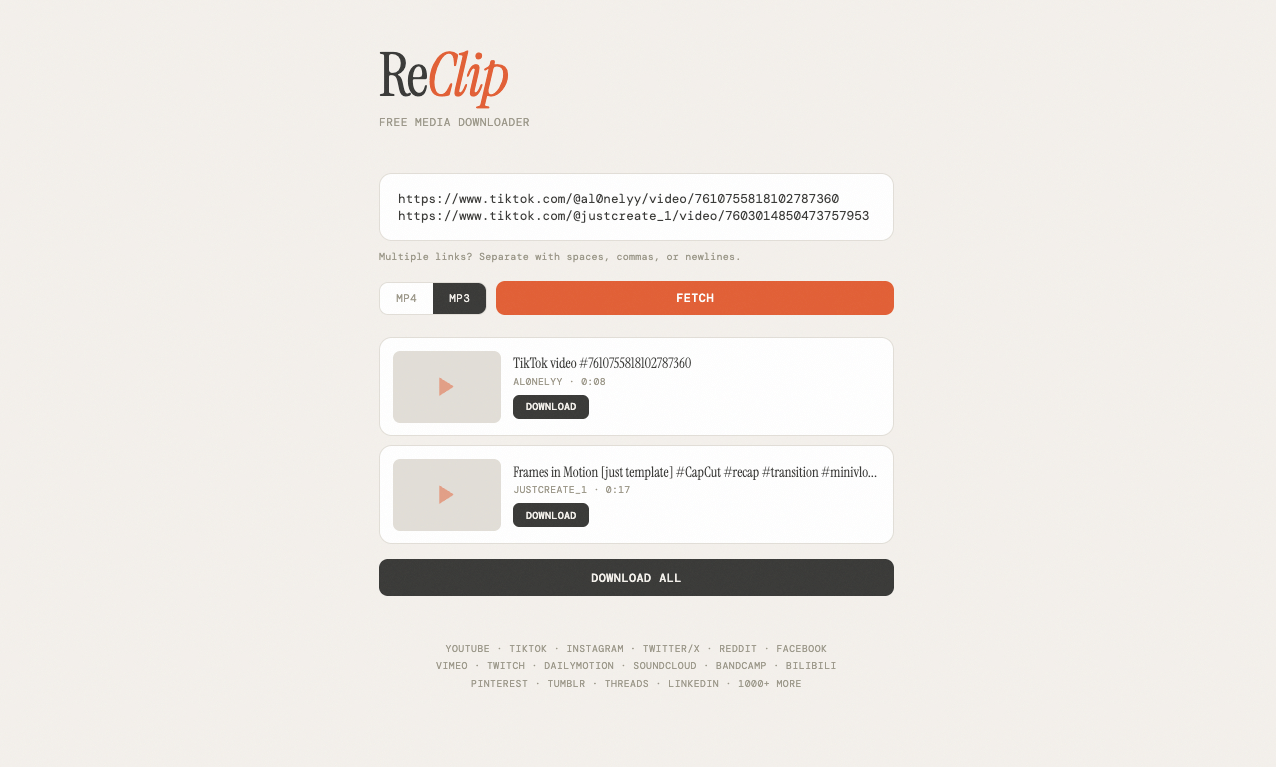
1. Paste one or more video URLs into the input box.
2. Choose MP4 (video) or MP3 (audio).
3. Click Fetch to load video info and thumbnails.
4. Select quality/resolution if available.
5. Click Download on individual videos, or Download All.
That is literally all there is to it, mate. It takes two minutes to set up and
saves you heaps of time down the road. Reckon you will host this yourself, or do
you have another tool you stick with?